deliverabilitysecuritygmail
How to Send Email From Your Own Gmail Address Without Spoofing
Typing someone else's address into a From field is spoofing, and inbox providers block it. Learn how SPF, DKIM and DMARC work, and how to send as yourself the right way.
By Outbox Team · · 2 min read
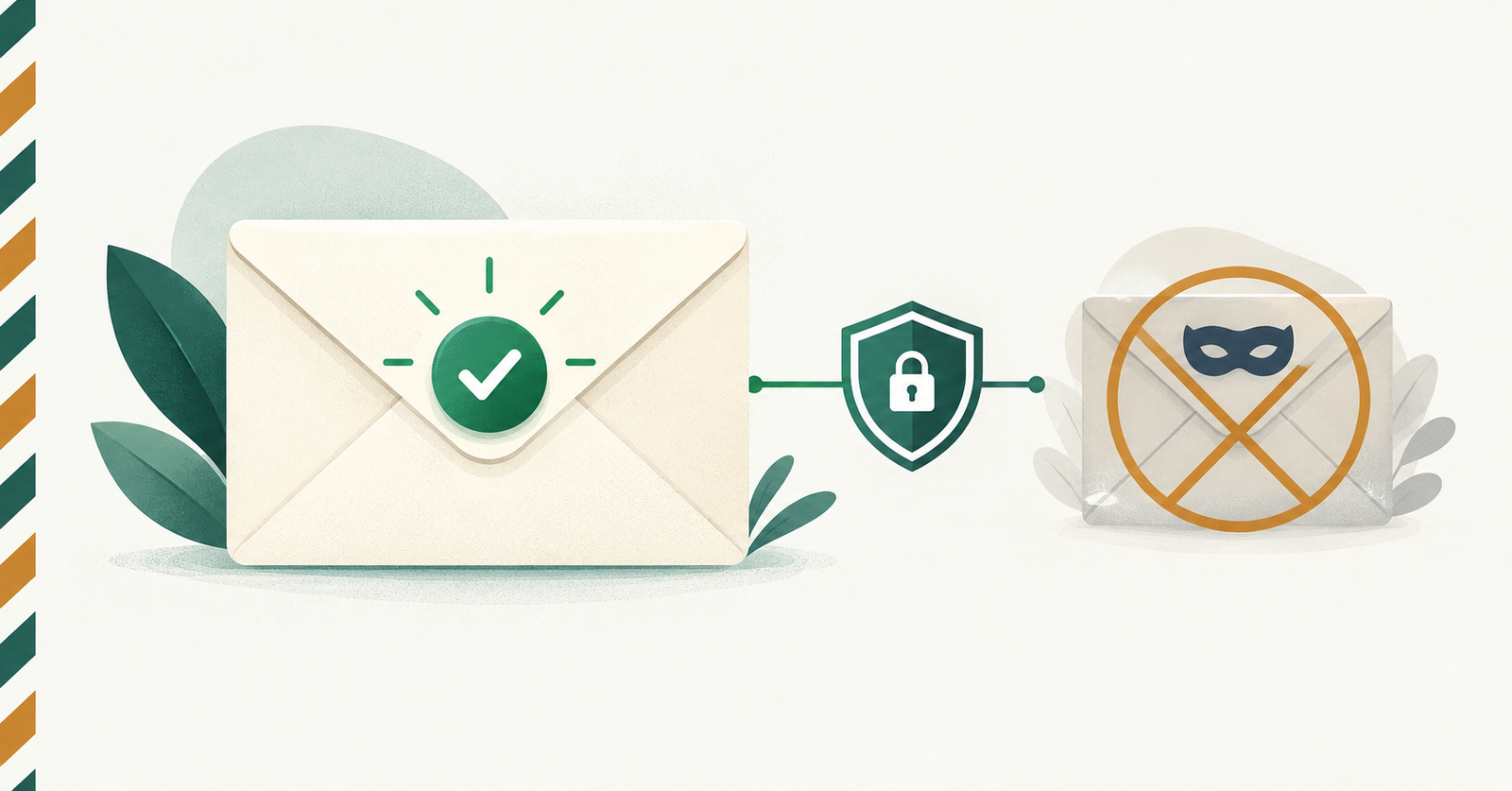
Typing an address into a "From" field that your server does not control is spoofing, and modern inbox providers are built to stop it. If you want mail to arrive from your own address and actually reach the inbox, the right approach is to send through the provider that owns that address.
What email spoofing is
Email was designed when nobody checked the sender. The "From" line is just text, so a server can claim to be anyone. Attackers abuse this for phishing, which is why Gmail, Outlook and Yahoo now verify who is really allowed to send for a domain.
How providers check the sender
Three DNS-based standards work together:
- SPF lists the servers allowed to send mail for a domain.
- DKIM adds a cryptographic signature proving the message was authorised by the domain and not altered in transit.
- DMARC tells receivers what to do when SPF or DKIM fail, and lets the domain owner request reports.
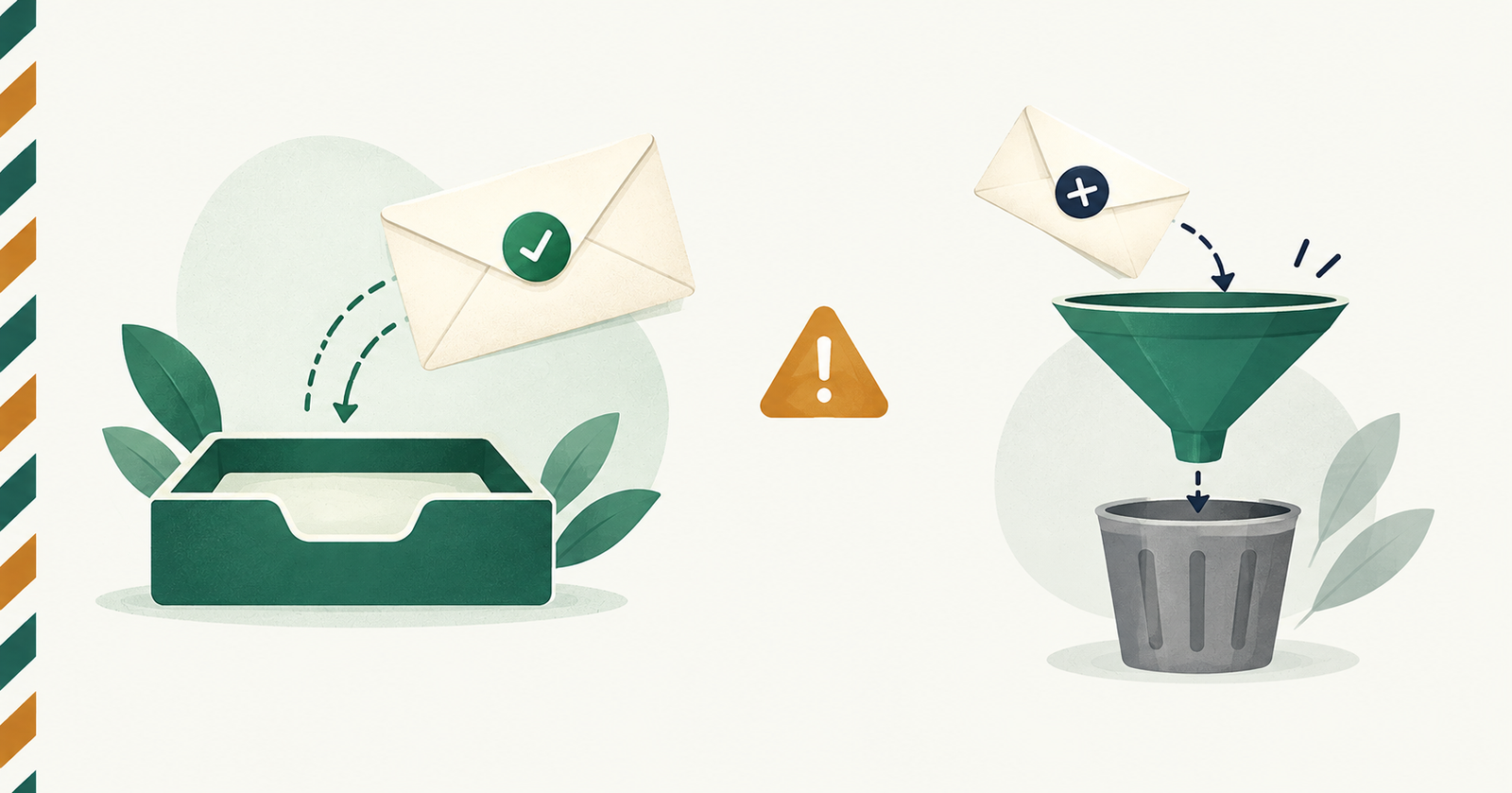
If you put you@gmail.com in the From field and send from your own server, SPF and DKIM fail for gmail.com, because Google never authorised your server. The message is rejected or filed under spam, and it looks like exactly what it is.
The legitimate ways to send as yourself
There are two honest options:
- Send from a domain you own. Verify the domain with your email provider, publish the SPF and DKIM records it gives you, and send from any address on that domain.
- Send through your own mailbox. You cannot edit DNS for gmail.com or outlook.com, so the only correct route is to let Google or Microsoft send the message for you, using OAuth.
With the second option the message is created by Gmail or Outlook, from your real account, and signed with their keys. SPF, DKIM and DMARC all pass because nothing is being faked.
What to check before you trust a sending tool
- It asks for send-only permission (gmail.send for Gmail, Mail.Send for Outlook), not full access to your inbox.
- It stores tokens encrypted and lets you disconnect at any time.
- It never asks for your email password.
- Sent messages appear in your own Sent folder, which proves they really came from your account.
The short version
Do not forge a From address. Connect the mailbox you own, let its provider deliver the message, and you get real authentication, better inbox placement and nothing to explain to a recipient who wonders why your email looks odd. That is exactly how Outbox works.