deliverabilityemail tips
Why Your Emails Go to Spam and How to Fix It
Most spam-folder problems come from a handful of causes: weak authentication, a cold sender reputation, spammy wording, and sending too much too fast. Here is how to fix each one.
By Outbox Team · · 2 min read
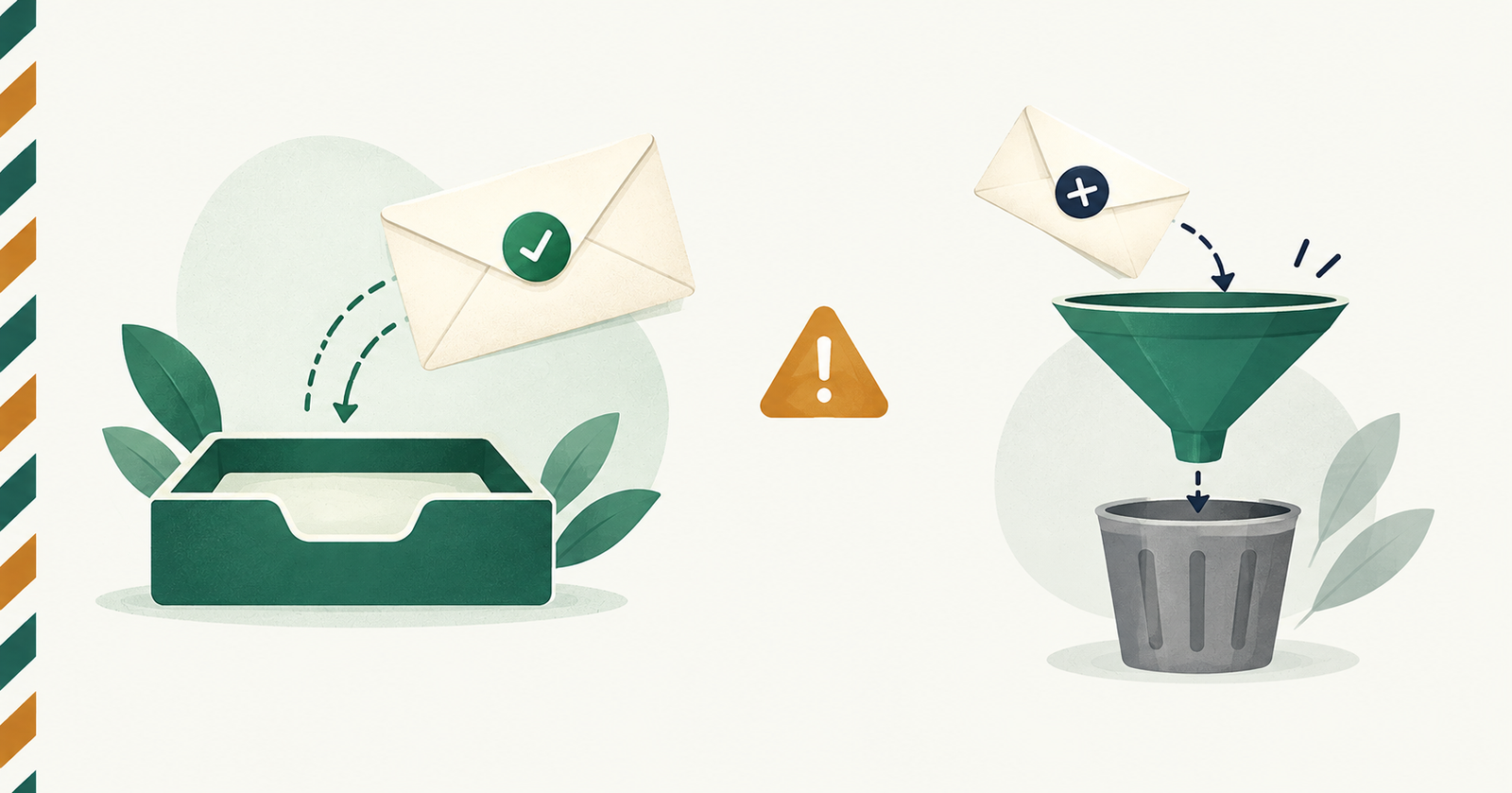
Few things are more frustrating than writing a careful email and learning it landed in spam. The good news is that most cases come down to a short list of causes, and you can fix nearly all of them.
1. The sender is not authenticated
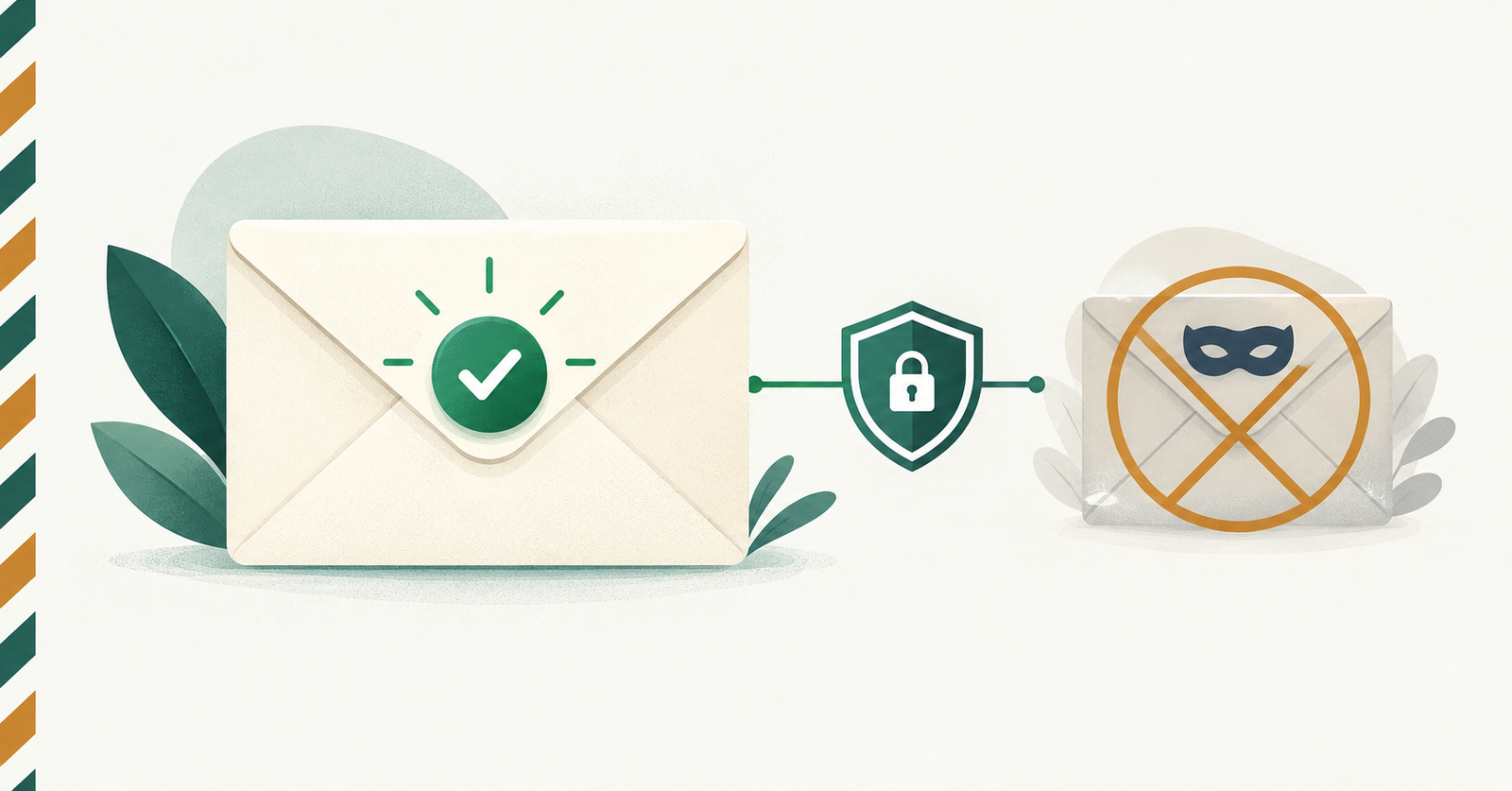
Receivers check SPF, DKIM and DMARC to confirm a message really came from the address it claims. If those checks fail, the message is likely to be filtered. Sending through the real mailbox, such as Gmail or Outlook itself, means the provider's own authentication applies automatically.
2. The sender has no reputation yet
A brand-new address or domain that suddenly sends many messages looks suspicious. Warm up gradually: start with a few messages a day to people who know you, and increase slowly over weeks.
3. The content looks like spam
Filters score wording and formatting. Common triggers are:
- ALL CAPS and lots of exclamation marks;
- phrases like "act now" or "100% free";
- large images with little text, or many links;
- link shorteners that hide the destination.
Write the way you would to one person. Short, plain messages perform best.
4. Everyone receives identical mail
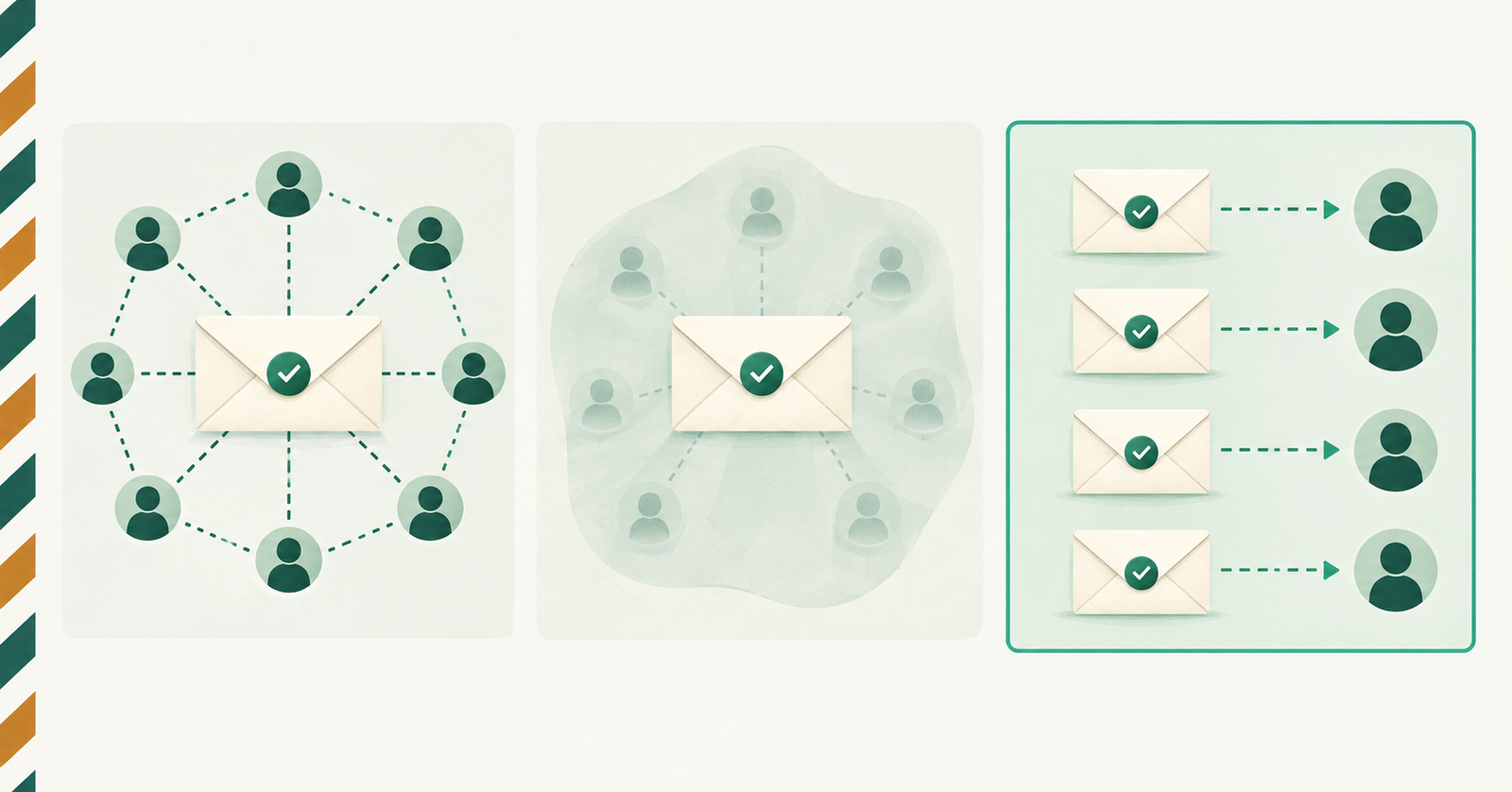
Mailbox providers watch for the same message sent to many people at once. Sending individual emails with personal details, and varying the subject where it makes sense, looks like normal human correspondence because it is.
5. Recipients do not want the message
Nothing hurts reputation like people marking your mail as spam. Only email people who expect to hear from you, say clearly who you are, and make it easy to say "no more".
6. You are sending too fast or too much
Every provider caps daily sending, and bursts look automated. Spread large batches out and stay well inside your limits.
A quick checklist
- Send from a real, authenticated mailbox.
- Keep volume low and steady at first.
- Use a clear subject that matches the content.
- Personalise each message.
- Ask a colleague to check the result in their inbox, then fix what you find.